
Technical SEO Services That Fix the Foundation
Technical SEO services make sure search engines can crawl, render, index and understand every page that matters on your site. I find and fix the hidden problems, from slow load times and broken redirects to duplicate pages and missing schema, so your content finally gets the rankings it deserves.
Crawling ✦ Indexing ✦ Core Web Vitals ✦ Redirects ✦ Canonicals ✦ Schema
What’s Really Going On
Great Content Can’t Rank on a Broken Site
Technical issues are invisible to most site owners. The site looks fine, but Google may be wasting its time on filter URLs, ignoring pages it thinks are duplicates or giving up on slow templates before they render.
I go through your site the way a crawler does, using Search Console, Screaming Frog, PageSpeed Insights and server-side checks, then fix the problems in order of how much traffic they’re costing you.
Because I’m also a WordPress developer, I don’t just hand you a list. I can implement most fixes myself, cleanly, without breaking your design.
Sound Familiar?
Important Pages Show “Crawled, Currently Not Indexed”.
Your Site Fails Core Web Vitals on Mobile.
Rankings Dropped After a Redesign or Plugin Change.
Search Console Is Full of 404s, Redirects and Duplicates.
You Have Thousands of URLs but Only a Few Get Traffic.
What’s Included
Technical SEO Work I Handle
Diagnosis and implementation, not just a report.
Crawl & Index Control
Robots.txt, XML sitemaps, noindex rules, crawl budget and orphan pages, so Google spends its time on pages that matter.
Site Speed & Core Web Vitals
LCP, INP and CLS improvements through caching, image optimisation, script cleanup and lighter templates.
Redirects & Broken Links
Redirect chains, 404s and lost backlinks fixed with the right 301s, without creating loops.
Duplicate Content & Canonicals
Canonical tags, parameters and thin duplicates sorted, so each topic has one strong URL.
Structured Data
Accurate schema for organisations, local businesses, articles, products, FAQs and breadcrumbs.
Site Architecture
URL structure, internal linking and navigation that spread authority to your key pages.
Where Pages Get Stuck
The Four Checkpoints Every Page Has to Pass
A page has to clear all four before it can rank on Google or be used in AI answers. I check them in this order, because a later fix can’t help a page that fails an earlier one.
| Checkpoint | What can go wrong | How I check it |
|---|---|---|
| 1. Discover & crawl | robots.txt blocks, pages with no internal links, server errors, broken or bloated XML sitemaps | A full site crawl, Search Console crawl stats and sitemap reports |
| 2. Render | Content or links that only appear after JavaScript runs, blocked CSS or scripts, heavy page builders | Comparing the rendered page Google sees with what visitors see |
| 3. Index | Stray noindex tags, duplicate URLs, wrong canonicals, thin pages marked “Crawled, currently not indexed” | Search Console’s Page indexing report and URL Inspection |
| 4. Show & perform | Slow Core Web Vitals, poor mobile layout, missing or invalid structured data | Core Web Vitals data, PageSpeed tests and schema validation |
When You Don’t Need a Technical Project Yet
Not every site needs one. If your important pages are indexed, load quickly on phones and your sitemap is clean, a quick check is enough and your money is better spent on content or local SEO. I’ll tell you that honestly after the first review.
Real Scores
Speed and Health Scores From Real Sites
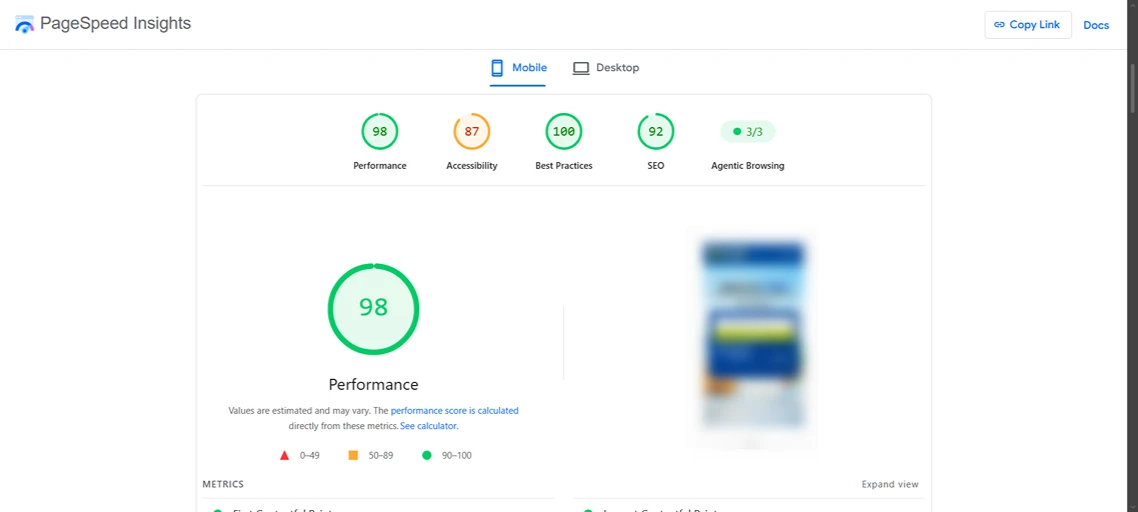
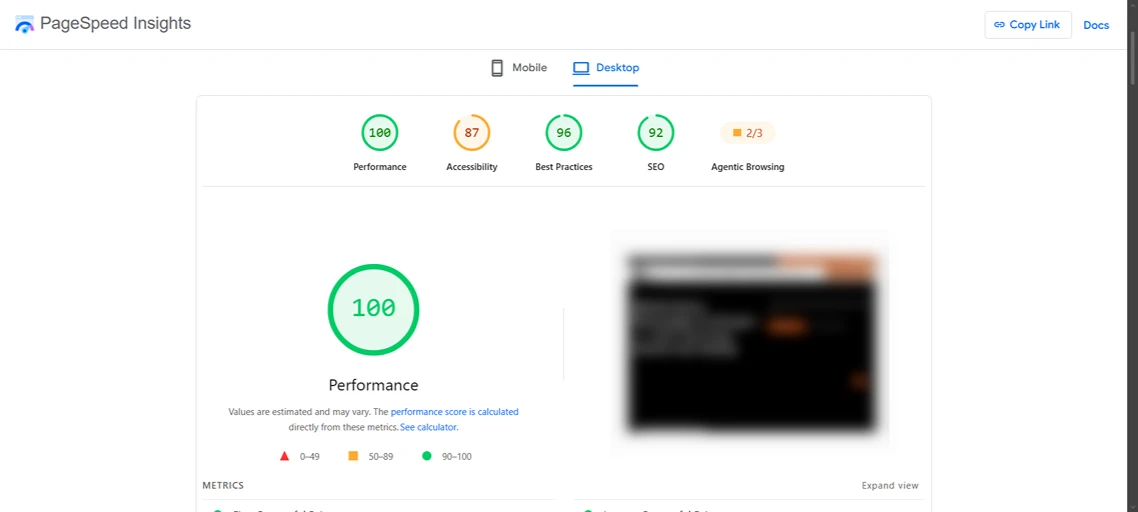
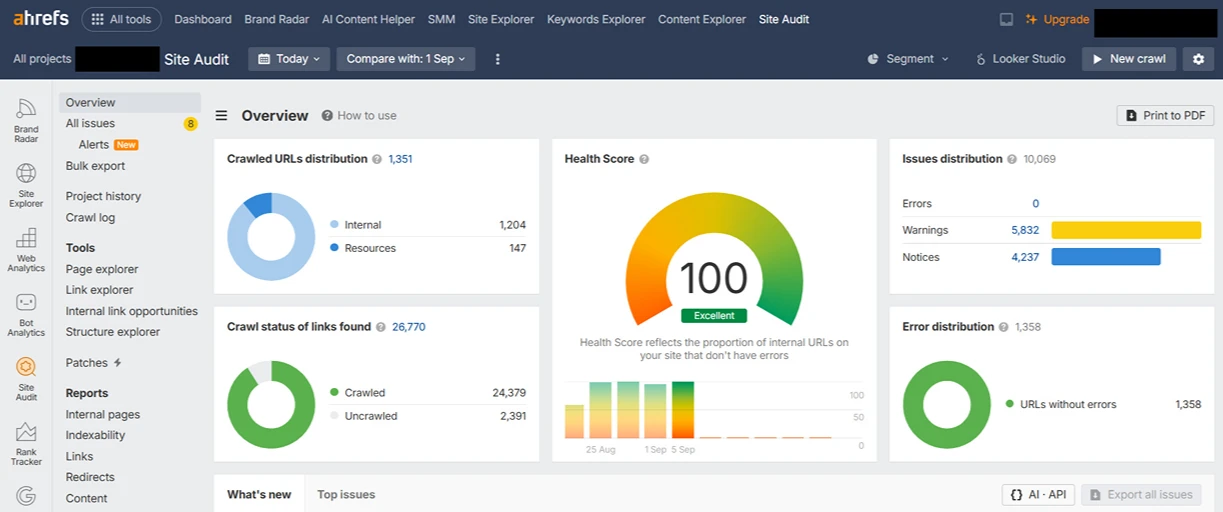
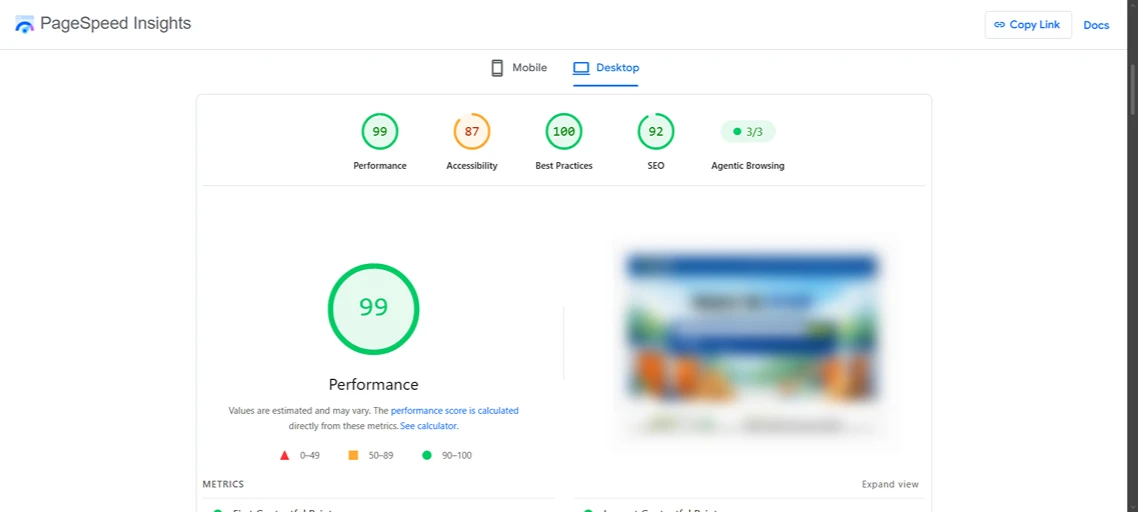
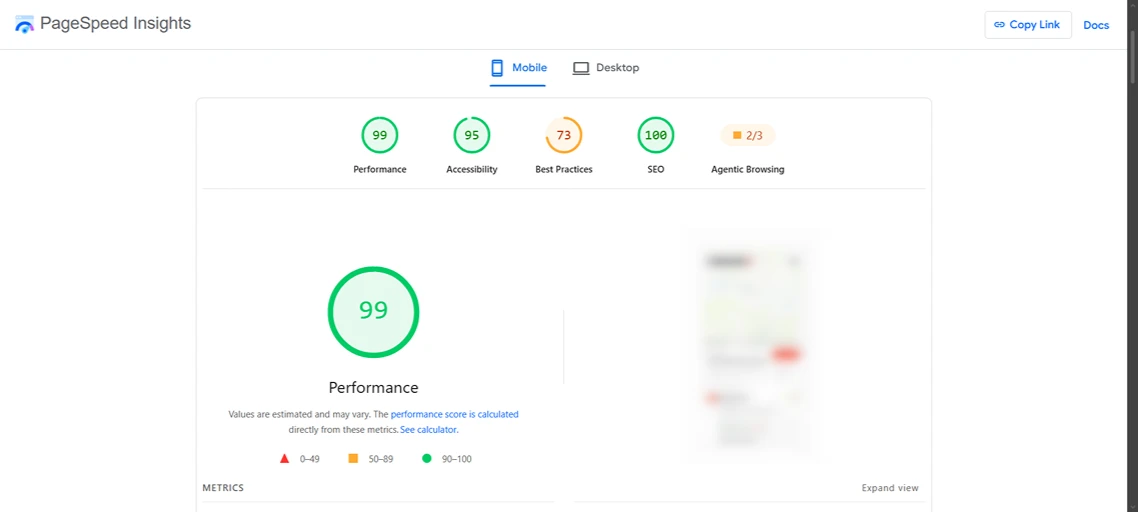
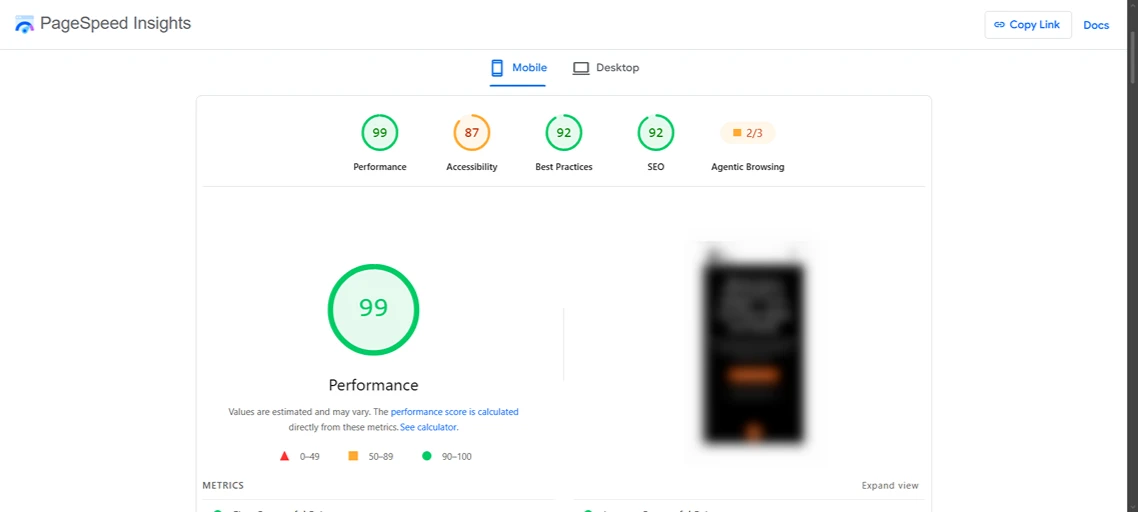
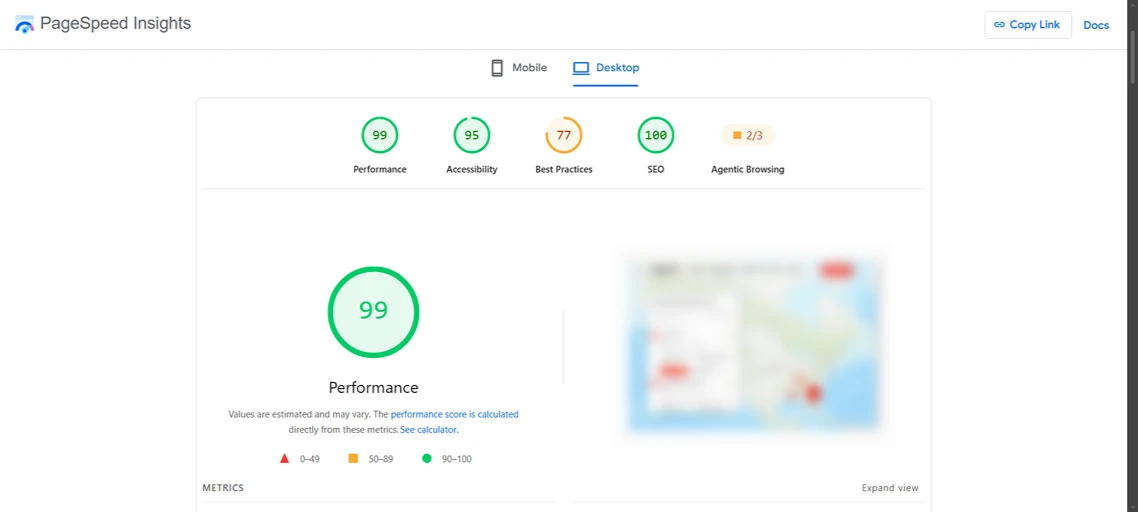
PageSpeed Insights reports and an Ahrefs Site Audit health score from sites I’ve worked on. Click any screenshot to see the full report.




How It Works
How a Technical SEO Project Works
From crawl data to fixes you can see in Search Console.
01
Crawl & Benchmark
Full crawl, Search Console review and speed tests to record where things stand.
02
Prioritise
Every issue is ranked by impact and effort, so the biggest wins happen first.
03
Implement
I make the fixes on your site, or work alongside your developer if you have one.
04
Validate
Fixes are confirmed in Search Console and re-crawled, then monitored for regressions.
Fit Check
Is This the Right Fit for You?
A Good Fit If…
Your Site Has More Than a Handful of Pages, or Runs on WordPress or Shopify.
You’ve Seen Indexing or Speed Warnings in Search Console.
You’re Planning a Redesign, Migration or Big Content Push.
You Want the Fixes Done, Not Just Documented.
Probably Not a Fit If…
Your Site Is a Single Landing Page With No SEO Goals.
You Can’t Give Any Access to the Site or Hosting.
You Want Speed Scores of 100 at Any Cost to Functionality.
You Only Need Content Writing (See My SEO Services Instead).
FAQs
Technical SEO Services: Common Questions
What people ask before handing me their site.
What Are Technical SEO Services?
Technical SEO services improve the parts of your website that affect how search engines crawl, render and index it: speed, Core Web Vitals, sitemaps, robots rules, redirects, canonicals, structured data and site architecture.
How Do I Know If My Site Needs Technical SEO?
Common signs are pages missing from Google, “Crawled, currently not indexed” or “Duplicate without user-selected canonical” in Search Console, slow mobile load times, or traffic dropping after a site change.
Will Technical Fixes Break My Website Design?
They shouldn’t. I test changes carefully, keep backups and work on a staging copy for bigger changes where your host supports it.
Can You Fix Core Web Vitals on WordPress?
Yes. Most WordPress speed problems come from heavy themes, too many plugins, unoptimised images and render-blocking scripts. I fix those with proper caching, image handling and cleanup.
How Long Do Technical SEO Fixes Take to Work?
Google needs to re-crawl the affected pages, which can take days for important pages and weeks for large sites. You’ll usually see indexing improvements in Search Console first, then ranking changes.
What’s the Difference Between Technical SEO and an SEO Audit?
An audit diagnoses problems and gives you a prioritised plan. Technical SEO services are the implementation: actually fixing those problems. Many clients start with an SEO audit, then hire me to fix what it finds.
Do You Work With Shopify and Other Platforms?
Yes, though some platforms limit what can be changed. I’ll tell you upfront which fixes are possible on your platform.
Which Tools Do You Use?
Google Search Console, Screaming Frog, PageSpeed Insights, Ahrefs, Semrush and server logs where available, plus WP Rocket and similar tools for WordPress speed work.

Not Sure What’s Holding Your Site Back?
Send your URL. I’ll reply personally with the technical issues I’d check first.