
URL Shortener
Turn messy web addresses into compact, readable, and shareable links with one click using this free link shortener tool. Enjoy unlimited, mobile-friendly, and permanent links that never stop working in bios, texts, emails, or flyers.
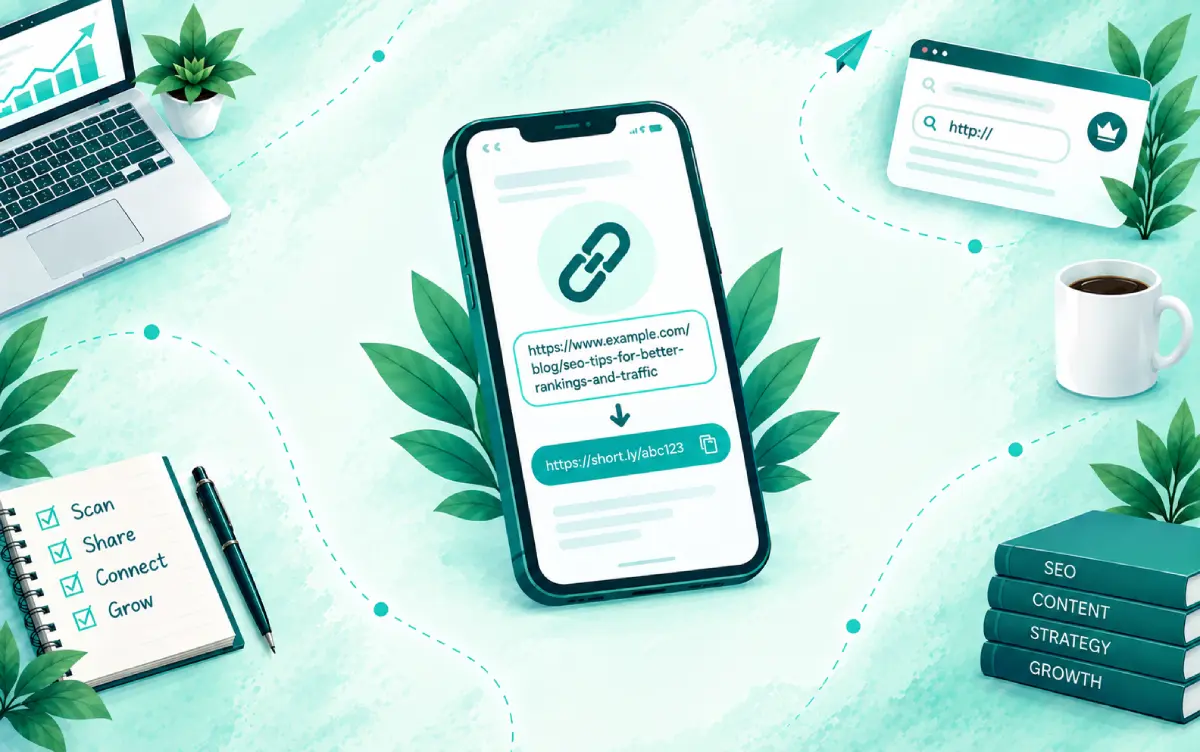
You copied a link to send to someone and it’s enormous. Half of it is tracking junk, the rest is a string of letters and symbols nobody can read. Pasted into a text, it breaks across four lines and looks like spam.
So you go looking for a shortener, and the usual deal shows up. Make an account first. Or the link dies after a few weeks unless you upgrade. Or you land on a dashboard with ten upsells when all you wanted was one short URL.
This tool skips all of that. You paste, you click, you copy.
Three steps, nothing else
- Paste your long link into the box. Use the full address, starting with https:// or http://. The easiest way is to copy it straight from your browser’s address bar, and the small note under the box says the same thing.
- Click “Shorten link.” Your short URL appears in a box that tells you it’s ready.
- Then hit “Copy link” and paste it wherever it’s going. The result looks like riichimirza.com/s/ followed by a short code. Short, readable, and attached to a real domain you can see.
There’s no preview screen and no waiting page in between. Short links don’t show a preview, so anyone who clicks one goes straight to the destination.
Your links don’t expire
This is the part I care about most. A lot of free shorteners treat expiry as a business model. Your link works for a while, then dies, and the fix is a paid plan.
Links made here don’t expire. I’m not interested in holding your links hostage, and I’d rather cover the hosting myself than have you find a dead link on a flyer two years from now.
That matters more than it sounds. A short link is only useful if it still works when someone clicks it. It might get clicked tomorrow, or in a pinned post a long time from now.
Two honest limits. A short link points to the original page, so if that page gets deleted, the short link can’t fix it. And links used for spam, phishing, or malware get disabled, because keeping the tool clean is how it stays free for everyone.
Nothing to sign up for
No account. No email. No “verify your inbox to continue.” Open the page, paste, shorten. It works the same from your phone or your laptop.
It’s free for everyone. I’d rather keep it that way than build a funnel around a tool that should just work.
What you can shorten
Anything public that opens in a browser. A YouTube video. A Google Maps pin. A Drive folder. A booking page. A product listing. A blog post. An affiliate URL that’s longer than the sentence it sits in.
It does have to be a complete link. Paste “example.com/page” without the https:// and the tool will ask for the full version.
Where a short link actually helps
- Text messages and WhatsApp are the obvious one. A long URL looks suspicious in a chat, while a short one looks like something a real person typed.
- Social bios give you almost no room. On Instagram, X, and TikTok, every character you save can go toward something more useful.
- Printed material like business cards, flyers, and menus needs a link someone might actually type. Nobody types 90 characters off a poster, but they might type a short one.
- Spoken links are a headache on videos and podcasts. If you’ve ever tried reading a URL out loud, you already know why this exists.
- Slides work the same way. A short link on the last slide gets typed in. A long one gets photographed and forgotten.
Pair it with a QR code
Short links and QR codes work well together. If you’re printing a link, take your short URL and drop it into the free QR code generator on this site. People who’d rather scan than type get a code, and everyone else gets a short link they can read.
A short link also makes a cleaner QR code. Less data to encode means a simpler pattern, which scans more easily at small sizes. That’s worth knowing if the code is going on a business card or a small sticker.
Getting people to actually click it
Here’s something I’ve learned from years of outreach work. A short link hides where it goes, and without a preview, people have no way to check before they click. Some simply won’t. Fair enough.
So don’t send it naked. Put a few words in front of it, like “here’s the booking page” or “full portfolio is here.” People click when they know what’s behind it.
Keep the original long link somewhere too, even just a notes app. If you ever need to check where something points, you’ll want it.
And click your short link once before you send it anywhere. Five seconds. Much cheaper than reprinting 500 flyers.
Who this is for
Honestly, anyone who shares links. But a few people use it constantly:
- Local business owners sending booking pages and review links to customers over WhatsApp and SMS.
- Social media managers keeping bios and captions tidy across several accounts.
- Bloggers and affiliate marketers who would rather not paste raw affiliate URLs everywhere.
- Teachers and students passing Drive files and video links around in class chats.
- Agencies running campaigns that need clean links on handouts, posts, and event material.
Frequently Asked Questions
Is this link shortener really free?
Yes. It’s free for everyone, with no account and no trial period.
Do I need to sign up to shorten a link?
No. Paste your link, click “Shorten link,” and copy the result. There’s no registration of any kind.
Do the short links expire?
No. Links created with this tool don’t expire, so a link you share today keeps working as long as the original page does.
What does a shortened link look like?
It uses the riichimirza.com domain followed by /s/ and a short code, for example riichimirza.com/s/ and a few characters. It’s short, readable, and clearly tied to a real website.
What kind of link can I paste in?
Any complete public web address starting with https:// or http://. That includes websites, YouTube videos, Google Maps locations, documents, product pages, and more.
Does the short link show a preview before it opens?
No. Short links created here don’t show a preview. Clicking one takes the visitor straight to the destination page.
Will the short link still work if the original page is deleted?
The short link will still exist, but it can only point to the page it was created for. If that page is removed, visitors will see whatever the original address shows, usually an error.
Is it safe to click a shortened link?
A short link hides its destination and doesn’t show a preview, so it helps to add a line of context when you share it. Links used for spam, phishing, or malware are disabled on this site.
Can I turn a short link into a QR code?
Yes. Paste your short link into the free QR code generator on this site, choose the website/URL type, and export it as PNG, SVG, or PDF.
Can I use short links on flyers and business cards?
Yes, and it’s one of the best uses. A short link is easier to read and type than a long one, and since it doesn’t expire, it’s safe to print.
Final words
A link is supposed to make sharing easier, not become the ugliest part of your message. A lot of shorteners got complicated because they wanted something from you. This one doesn’t.
Paste it, shorten it, copy it. Then go share it, knowing it’ll still work next year.